Browser and PWA
Available now, and for the moment this is the open channel. Lumbre runs at app.lumbre.pro with nothing to install.
From the browser itself you can install it as an app, on desktop and on mobile: it gets its own icon, its own window and no address bar. Installed or not, it works offline: your data lives on your device first and syncs when the network comes back, including between tabs open at the same time.
Reminders arrive over Web Push. This is the one channel where you subscribe the device by hand, and like every reminder in Lumbre, you turn them on yourself.
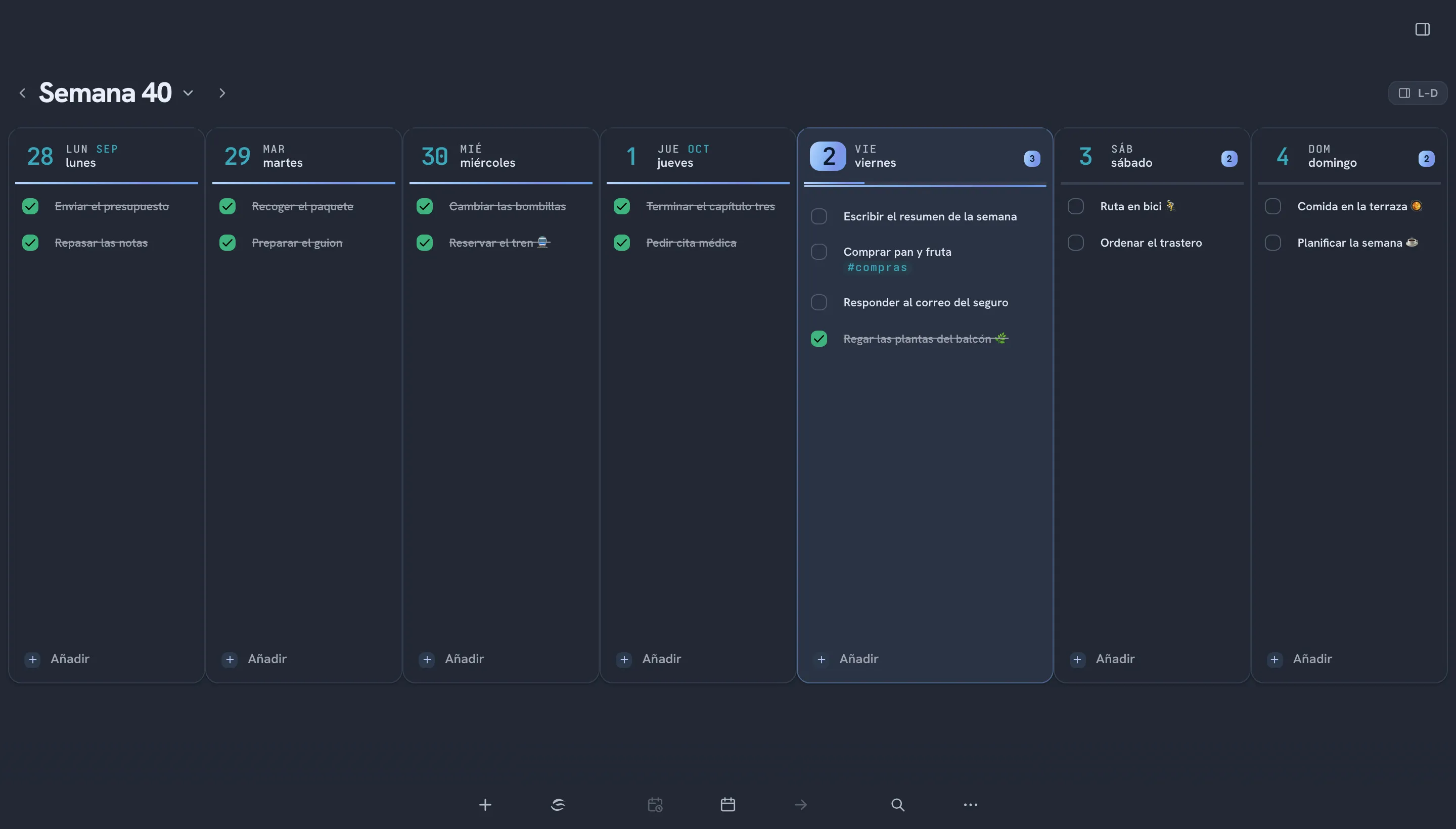
iPhone, iPad and Mac
It is on the App Store now, and it is free: download Lumbre. One download covers all three, and from then on it updates on its own.
It needs iOS or iPadOS 15 or later. On Mac, macOS 12 or later and a Mac with Apple silicon (M1 or newer).
What Lumbre does on Apple that it cannot do elsewhere:
- Widget on the home screen, and on iPhone on the lock screen too.
- Shortcuts and Siri, with actions of its own for creating a task. On Mac, in the store build.
- Share sheet to send it something from another app, on iPhone and iPad. On Mac the equivalent is the Services menu.
- Native alarm through AlarmKit, which rings even on silent, from iOS 26 onwards.
- Import from Apple Reminders, in one pass. It brings over what you have there; from then on each one goes its own way.
- Global capture shortcut on Mac, a small window over whatever you were doing.
- Control Center controls, from iOS 18 and macOS 26.
Fedora
There is a signed dnf repository of our own. It says Fedora rather than Linux because that is literal: the package is built for x86_64 and the repo file is a Fedora one.
On Fedora 44, which uses dnf5:
sudo dnf install dnf5-plugins
sudo dnf config-manager addrepo --from-repofile=https://app.lumbre.pro/repo/lumbre.repo
sudo dnf install lumbre
The repository is public by URL but not listed in any index: no COPR, no Flathub. The URL gets passed around by hand, and this page is where it gets passed.
Here dnf does the updating, not the app. An RPM installs as root while the app runs as your user, so the app just tells you a new version is out and the system takes it from there.
On the desktop you get a tray icon, a global capture shortcut through the XDG portal, notifications with actions, start with your session and lumbre:// links.
Three extras ship outside the RPM and are copied by hand: the GNOME Shell extension, the terminal command and the search provider for GNOME and KRunner. The GNOME extension shows your tasks, without completing them from there. For KDE there is KRunner, and a plasmoid not yet.
Android
There is an app of its own now, and this is where you get it: download Lumbre for Android. A single APK covers any phone or tablet: all four architectures are inside it.
It is not on Google Play, and it will not be. That means the first time round Android will ask whether you allow installing from this source, and you have to say yes. From then on the app updates itself: it checks app.lumbre.pro for a new version and installs it.
What it brings that the installed web app did not have:
- System push reminders, not the browser’s, and with no device to subscribe by hand.
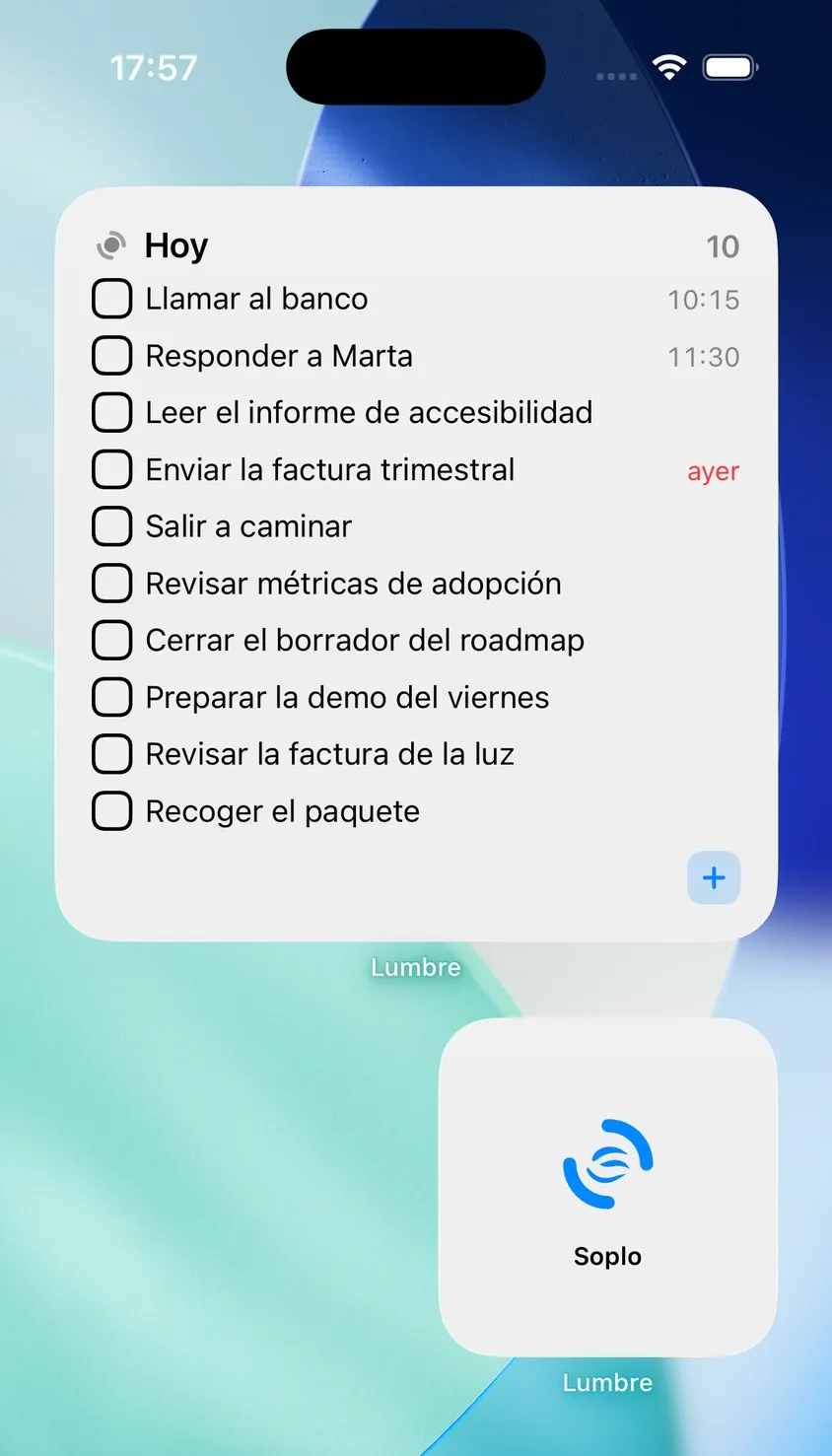
- Five home screen widgets: Today, Upcoming, Week and habits, Note of the day, and Soplo.
- Works offline and syncs with your other devices just like any other channel.
If you would rather not install anything, the web is still where it was: open app.lumbre.pro in Chrome and install it from the browser menu. It gets its own icon in the app drawer, opens without an address bar and works offline too.