
StackedDefault
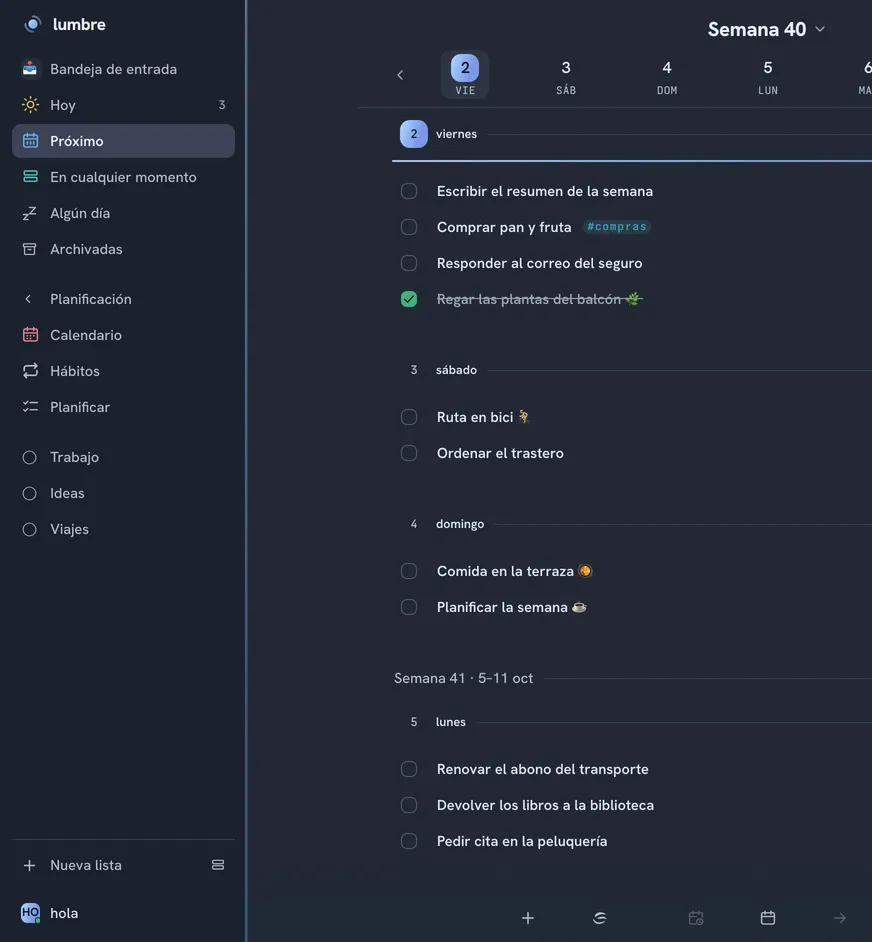
The days one under another, from today, scrolling vertically into the following weeks. It reads like a notebook and today is always within reach.
You plan in days, not hours. You write like you would in a notebook, whatever you did not get to shows up tomorrow where it belongs, and it only makes a sound when you ask it to.
Try without an accountRequest an invitation
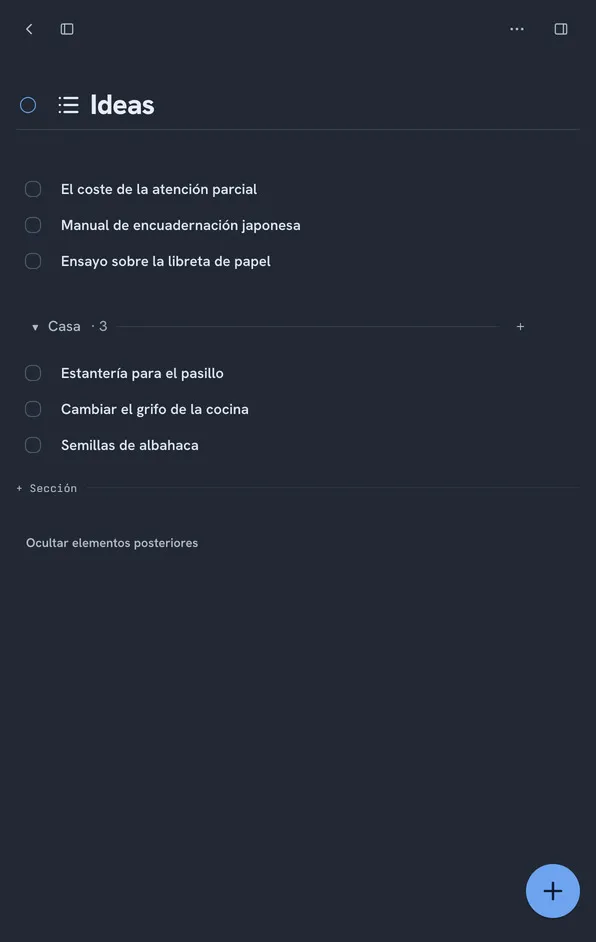
The week
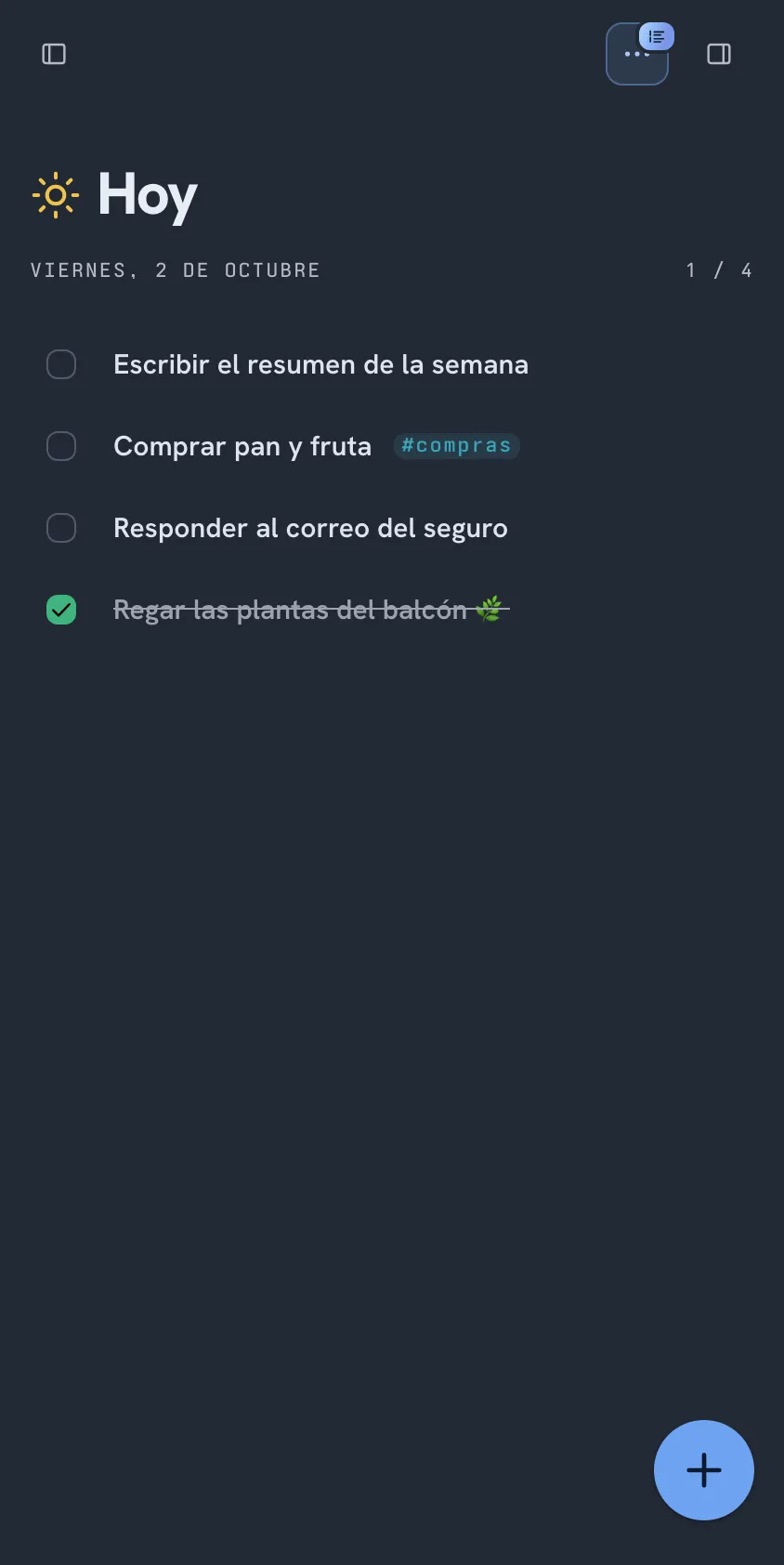
It starts on stacked Upcoming and you can switch whenever you like: Today, stacked Upcoming, Upcoming in columns or Calendar. It is the only thing Lumbre asks you to decide about how it looks.
The days one under another, from today, scrolling vertically into the following weeks. It reads like a notebook and today is always within reach.

The seven days side by side, so you can see at a glance how the load is spread and move something from one day to another without losing the thread.
Capture
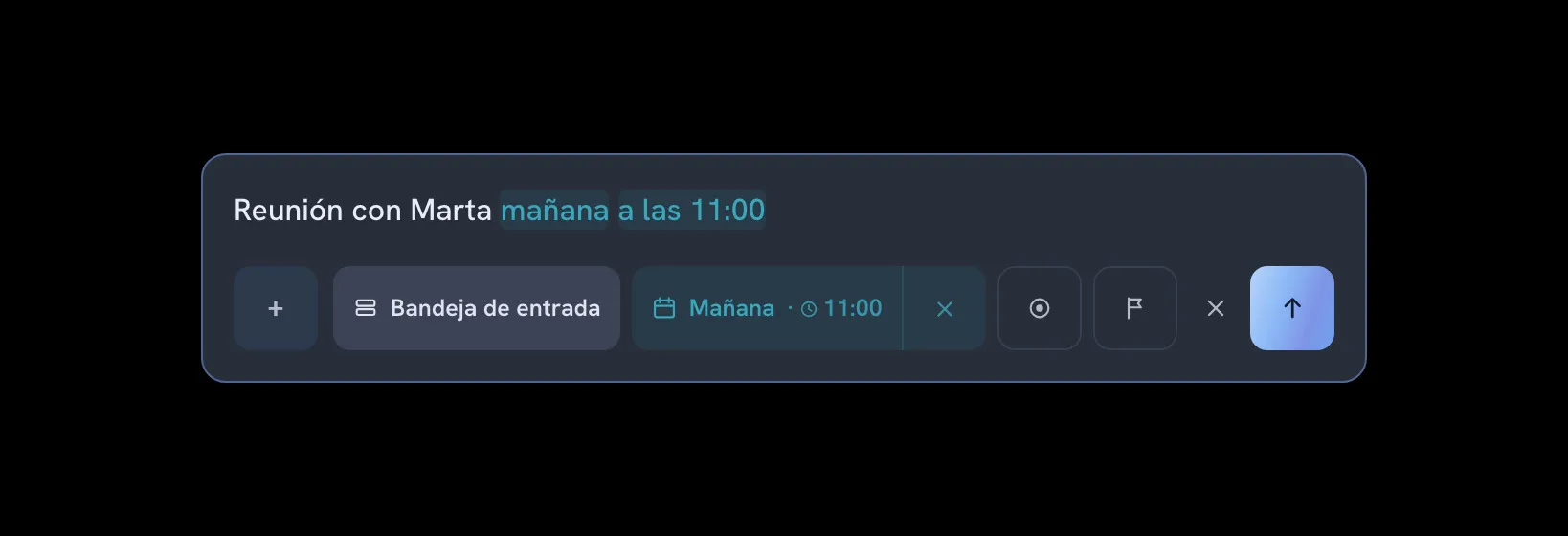
If writing a task down takes effort, you end up not writing it down. So in Lumbre you capture wherever you are, in the words you were already thinking in: the date, the list and the priority come straight out of what you typed.
"tomorrow at 12", "every Friday", $groceries, @home, #work, !! for the urgent ones. It picks them up as you type.
A global shortcut opens a small window over whatever you were doing. On iPhone, the Share sheet. By email too, and from the terminal on Linux.
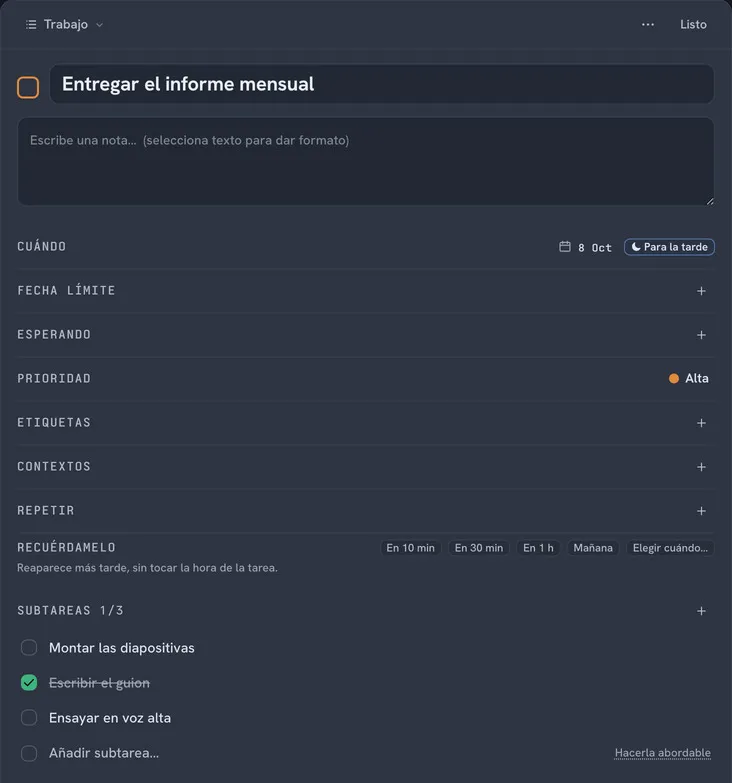
It is right underneath: project, date, priority and deadline in view, and under the + the rest (subtasks, note, attachments, repeat, reminders, type and tag).
Soplo listens to the plan and shows you what it understood before touching anything. You turn it on the day you feel like trying it.
Detail
The week shows titles and little else, which is what you need to read it at a glance. Everything a real project asks for lives one click in, and shows up when you open the task.
Folded away
None of this gets in your way on day one. It is waiting for the day you go looking for it.
What you did not get to yesterday shows up today, the trash keeps 180 days, and almost everything can be undone.
Your data lives on your device first and syncs when the network is back, across devices and across tabs.
Unlimited "Someday" lists that nest inside each other and split into sections. Up to five pinned to the sidebar.
A command palette and a shortcut for almost everything. The full cheat sheet opens with the ? key.
One screen that spreads everything still pending across the days of the week in a single pass.
Three ways to keep them: log, cadence and counter. They are still in testing, so you turn them on yourself.
Appearance
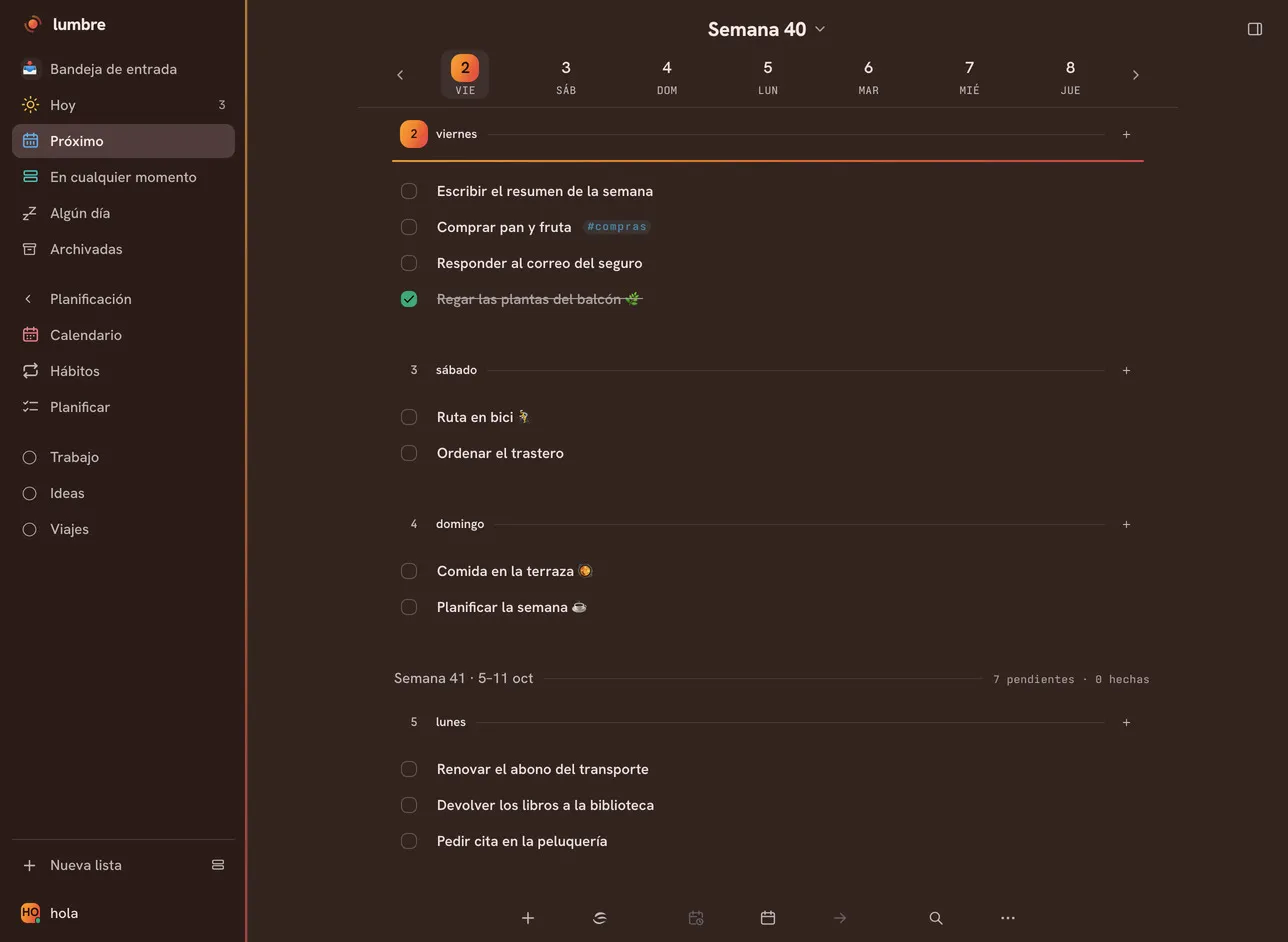
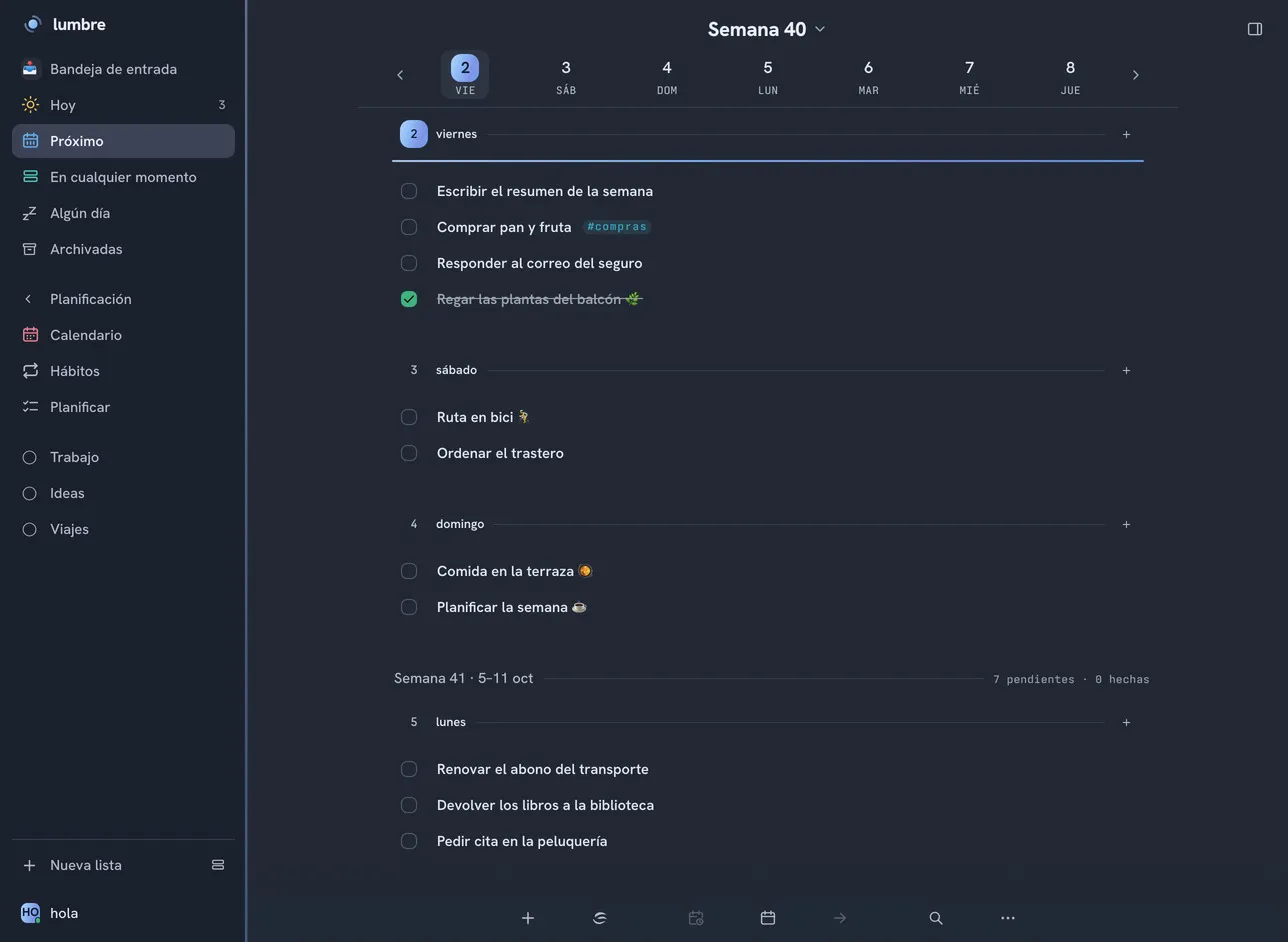
Pick a palette and watch this page change
Light or dark, separate from the palette
Where it runs
Lumbre runs today in the browser, on iPhone, iPad and Mac, on Android and on Fedora. Here is where each one stands, with no fine print.
Privacy
No analytics, no trackers, no ads and no profiling. This site has no cookie banner because there is nothing to consent to. The server is in the European Union, you can take everything with you in a ZIP with your attachments inside, and deleting your account really deletes it. The only part that leaves is Soplo, and only if you turn it on.